Why Your Camera Roll Is Full of Content You Haven’t Used Yet
Most people have hundreds of photos sitting untouched on their phone — old event pictures, product shots, portraits that never made it into a post. Meanwhile, the same handful of recent photos get reused over and over for every new update. The gap between “photos I have” and “content I actually post” has quietly become one of the biggest, most overlooked opportunities on social media, and a specific category of tool has emerged to close it: image to video.
Turning What You Already Have Into Something New
The idea behind image to video is deceptively simple. Instead of filming new footage, you take a photo you already own and add motion to it — a slow pan, subtle movement, a shift in depth — turning something static into a short clip worth watching.
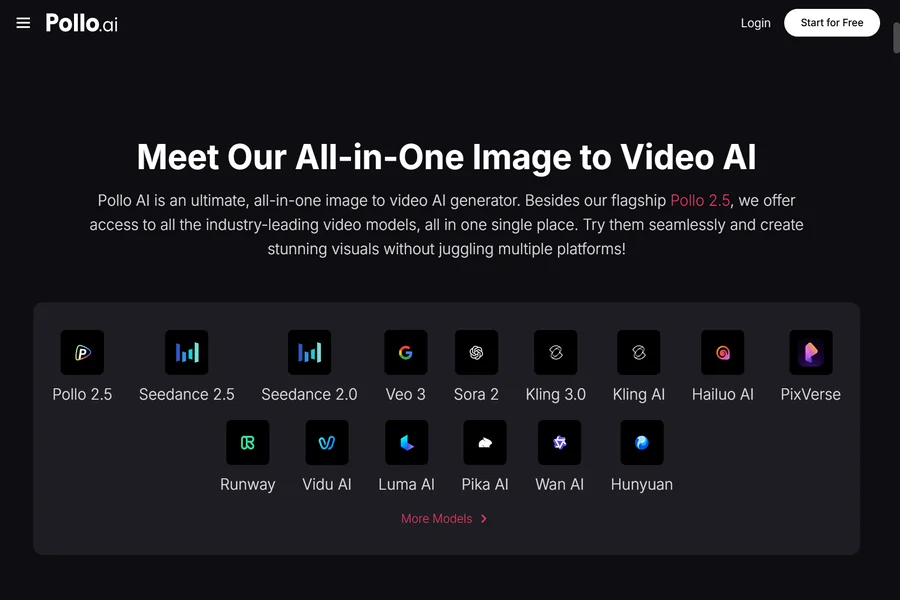
Pollo AI’s image to video tool does exactly this. Feed it a photo, and it produces a short animated version, no filming, no editing software, no waiting on a production schedule. For anyone sitting on a backlog of unused photos, this turns an old camera roll into a genuinely usable content library.
Why This Solves a Real Problem, Not Just a Cool Trick
The appeal here isn’t novelty for its own sake. A few real advantages explain why this keeps showing up in more people’s content routines:
It rescues content you already paid for, in effort if not money. That trip photo, that carefully staged shot, that one great portrait — none of it has to end its life as a single static post.
It matches what platforms actually reward. Motion consistently outperforms stills in short-form feeds, and this closes that gap without requiring you to become a videographer.
It’s fast enough to actually use regularly. A quick clip takes minutes, which matters when the alternative is skipping video content entirely because filming feels like too much effort.
Who’s Actually Doing This
Creators use it to squeeze new life out of an old photo archive instead of constantly needing fresh material. Small brands turn product photography into moving content without booking a video shoot for every item in their catalog. Regular users turn a favorite photo from a trip or an event into something that feels more alive than it did sitting still in their camera roll.
The pattern across all of these is the same: the photo already existed. The only thing missing was a way to make it move.
Pairing This With Design Work
A moving clip is often just one piece of a bigger post — you might also want a matching caption graphic, a thumbnail, or a simple cover image to go with it. Canva is one of the most widely used tools for that kind of quick graphic design, and Pollo AI connects directly into it, letting you generate your animated clip and then put together the accompanying graphics without leaving to open an entirely separate app.
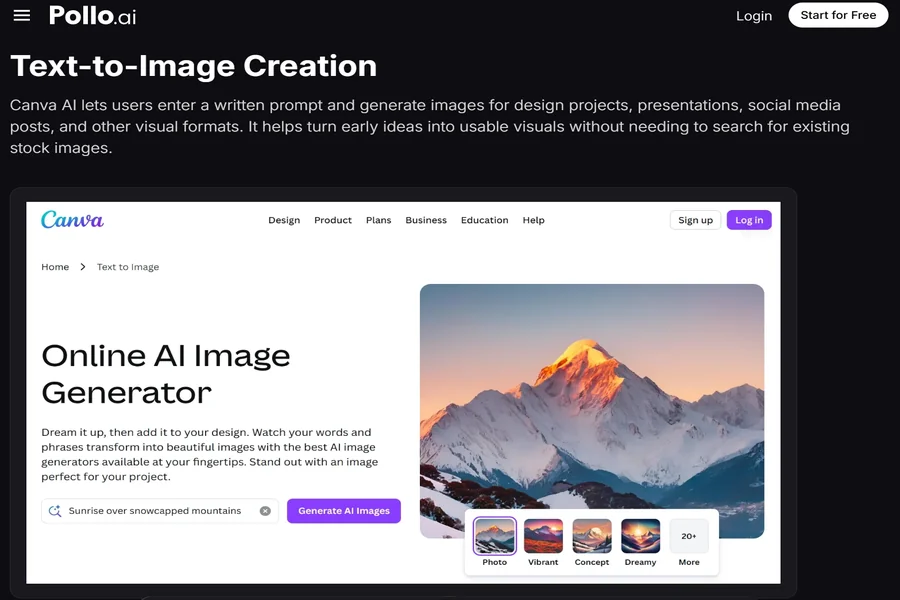
Using Canva alongside an image to video tool means a full post — the moving content plus whatever graphic design wraps around it — comes together in one sitting instead of being split across two disconnected workflows.
Try It With One Photo First
Before committing to a whole content plan built around this, just try it with one photo. Pick something you already like, generate a short clip, and post it where you’d normally put a static image. Compare how it performs.
Most people are sitting on far more usable content than they realize. The photos are already there. What’s changed is how easy Pollo AI has made it to turn them into something worth a second look.